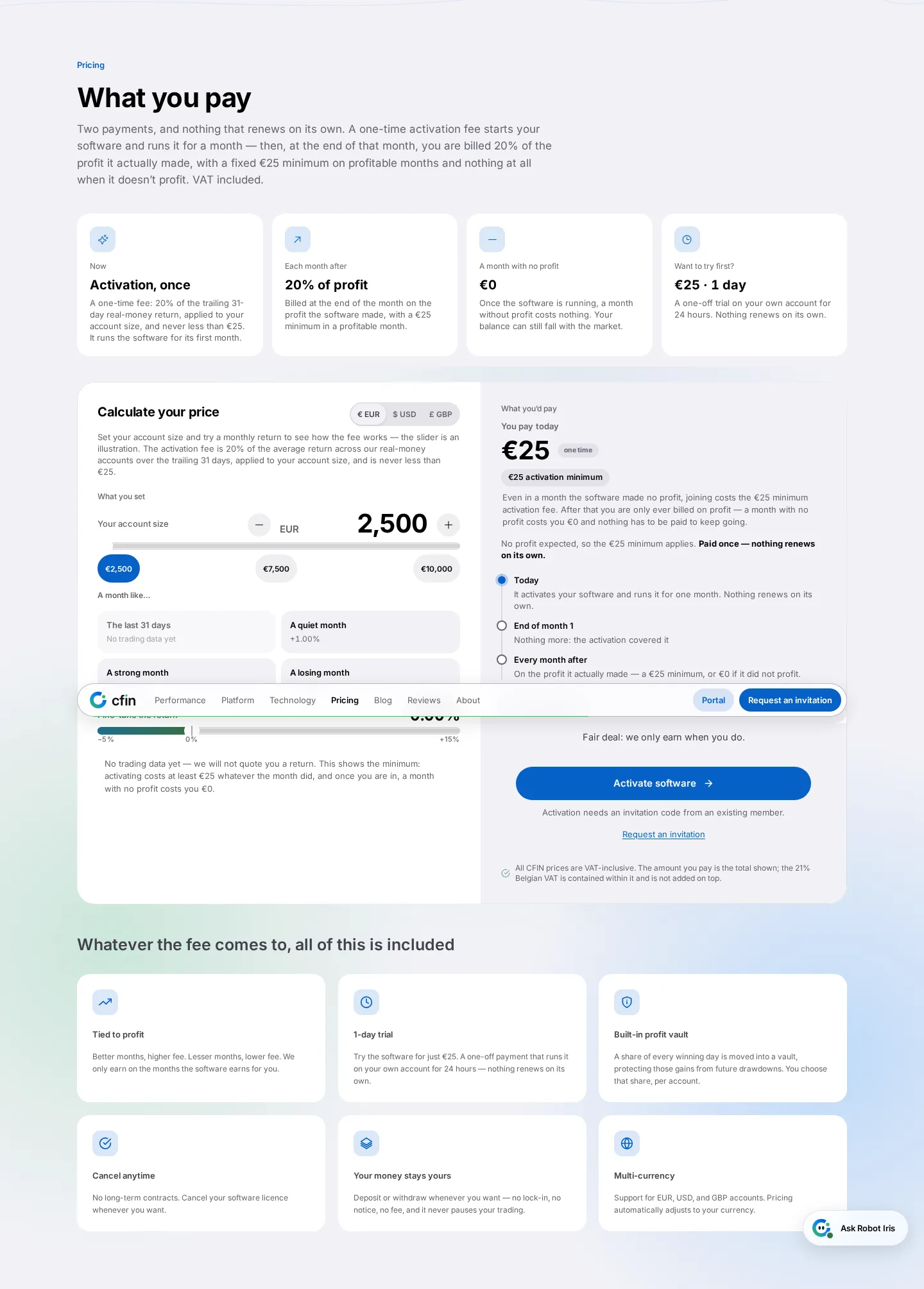
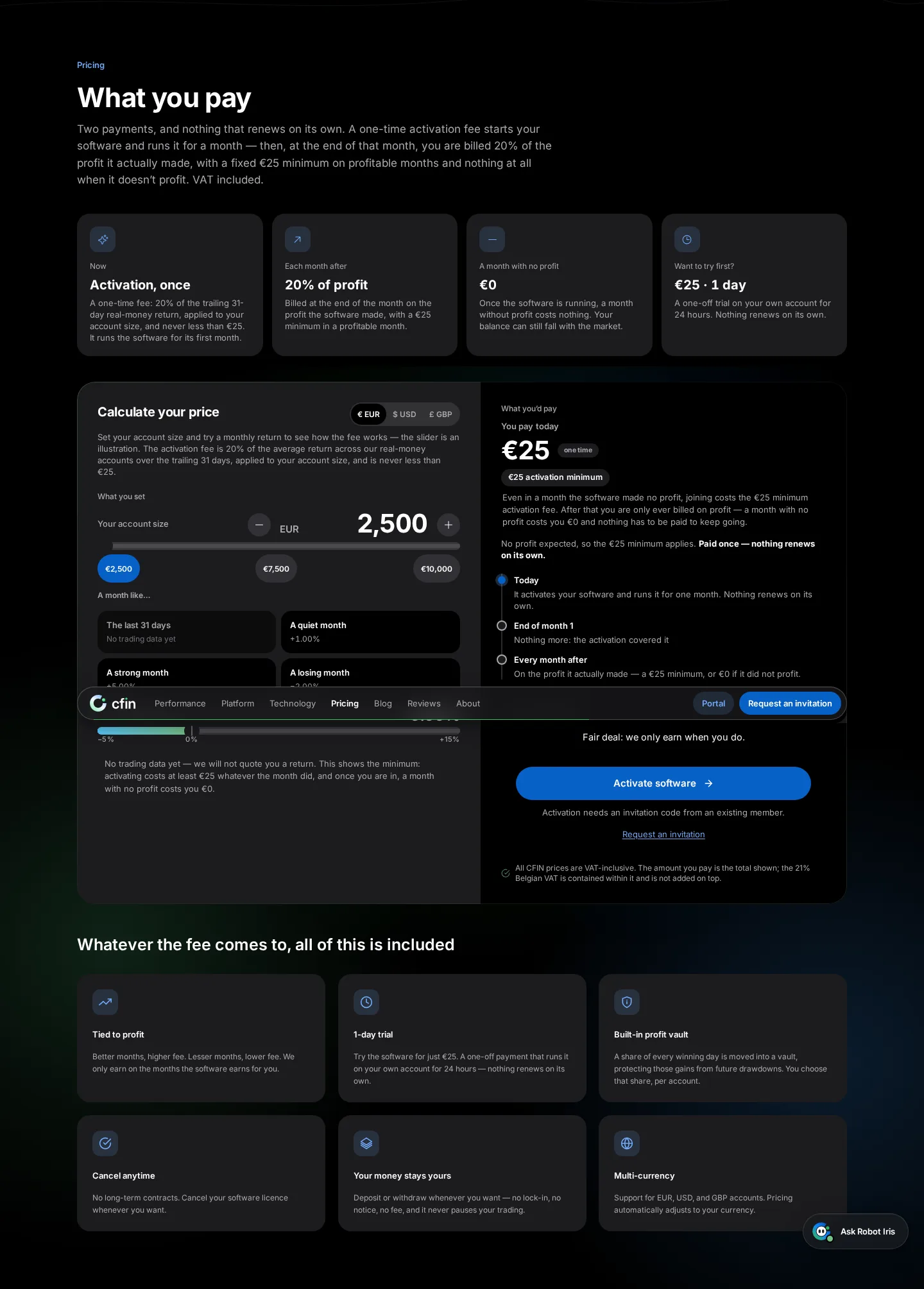
- Enter an account size to see the licence fee, VAT included
- Switch currency with the toggle; it now announces the selection to screen readers
- The minimum funded account size is €2,500, and the calculator reflects that automatically
On the homepage, the pricing calculator shows how CFIN’s licence fee is worked out for an account size you choose, so you can understand pricing before you commit to an amount. It sits in the Pricing section of cfin.be and needs no account to try.
How to use it
- Enter an account size into the calculator.
- Read the licence fee shown, which already includes VAT; the figure updates with a brief animated count-up as you adjust the input.
- Use the currency toggle if you’d rather see the figures in a different currency; it now correctly announces which currency is selected for anyone using a screen reader.
- Remember the slider will not go below €2,500, which is the minimum funded account size.




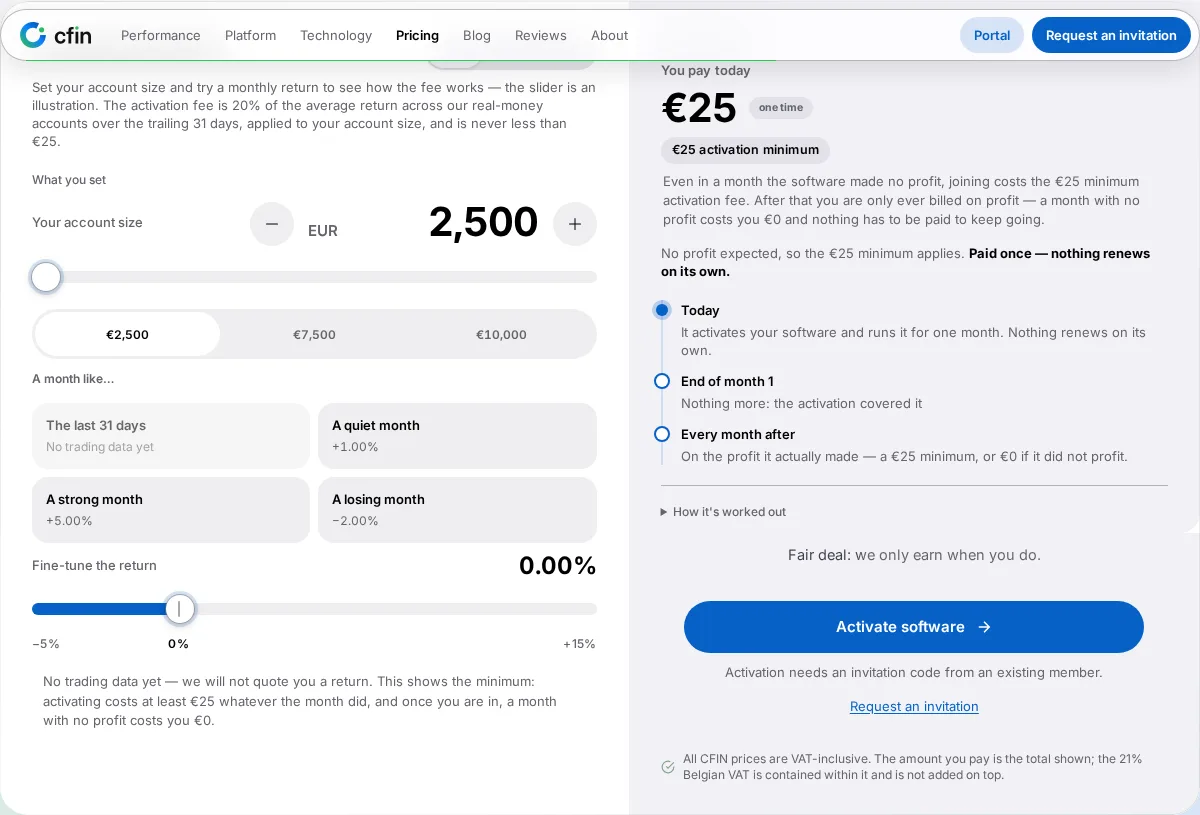
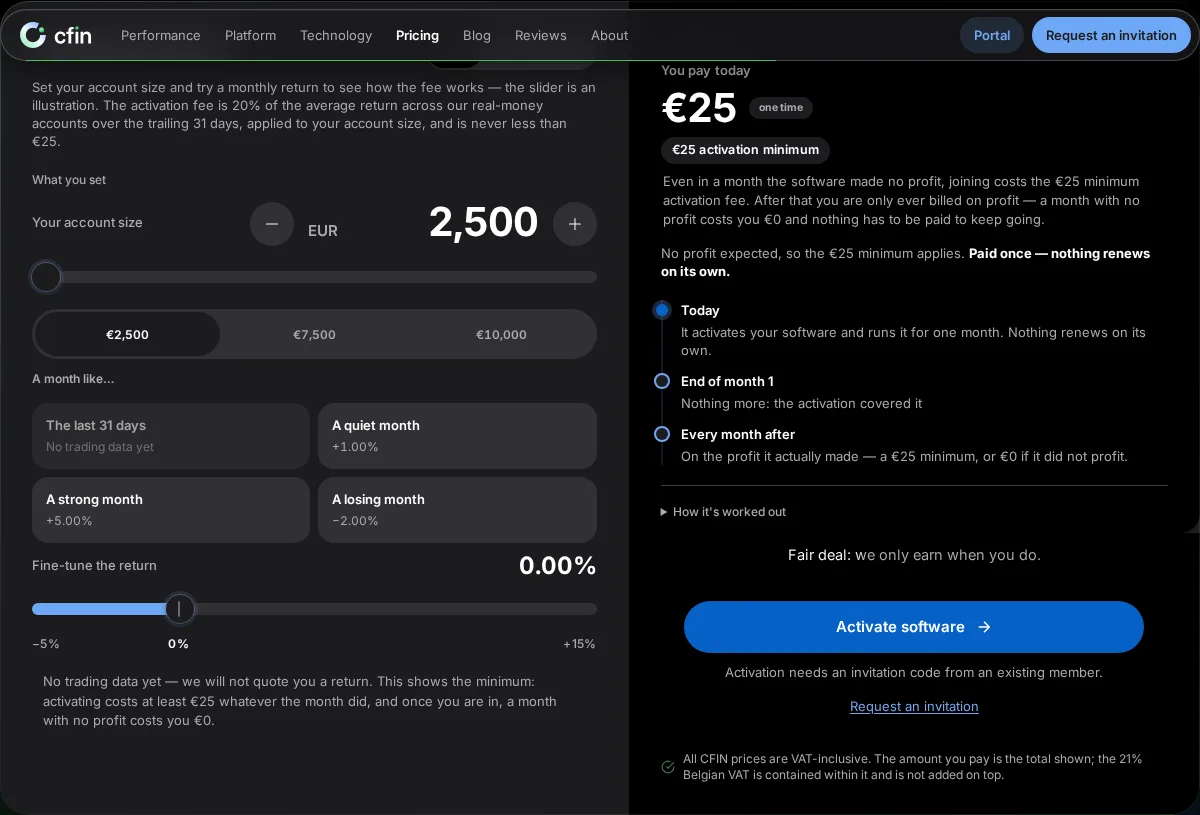
Why it’s useful before you commit
Trying a few different account sizes is a useful way to get a feel for how the licence fee scales before you decide on an amount. It also makes the pricing easy to explain to someone else, since it shows the real figure for a specific size rather than one headline number that may not apply to every case.
If a figure ever looks wrong
If the figure on the homepage ever seems to disagree with what you’re actually charged later, let Support know — both should always be reading from the same source.
If you already have an account, the figures on your own Billing > Fees page are the authoritative ones for your situation. The homepage calculator is best used for a general estimate beforehand.