

- Journal moved from its own menu item into a sub-page of Trades
- Every existing entry carried over exactly as written
- Any direct link to the old Journal location needs updating
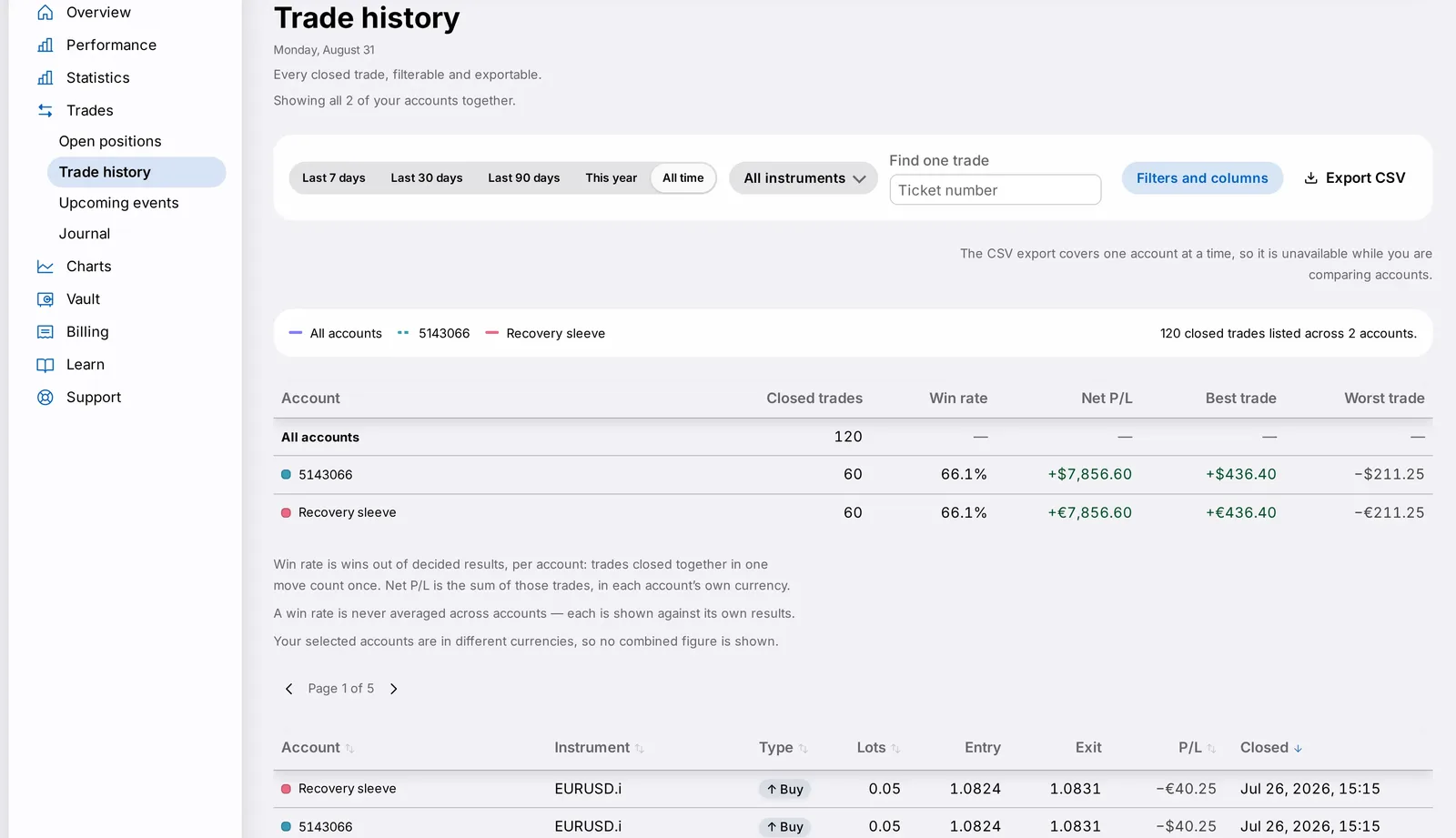
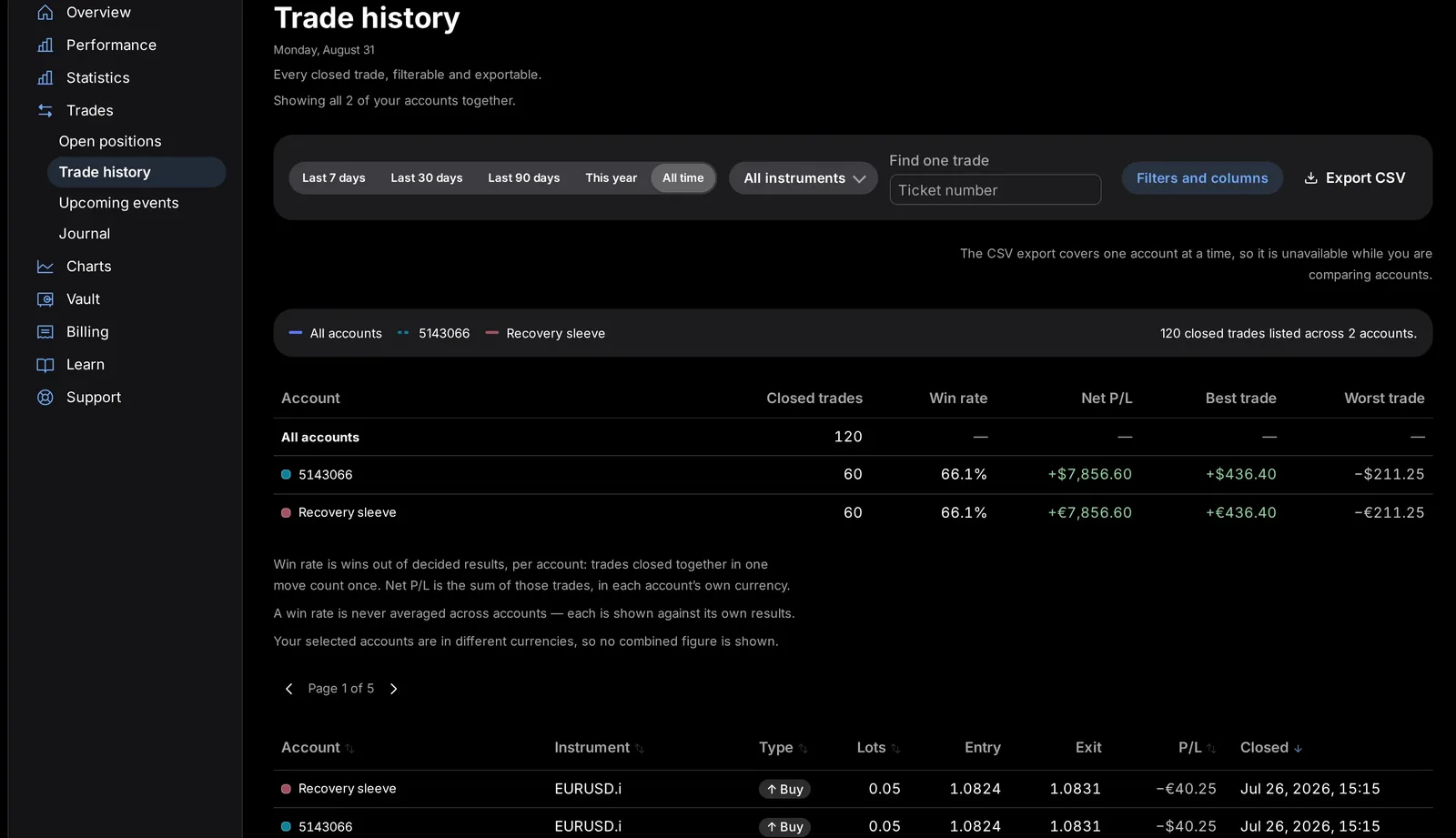
Updated 11 October 2026. The Economic calendar sub-page is now called Upcoming events. It lists scheduled market-moving releases and whether your engine stands down for them. The other sub-pages are unchanged: Open positions, Trade history and Journal.
Your Journal, previously its own item in the CFIN sidebar, now lives as a sub-page of Trades, alongside Open positions, Trade history and Upcoming events. Nothing about your existing entries has changed — they're simply reachable from a new location.
Finding it
- Open Trades from the sidebar.
- Choose Journal from its sub-pages.
- Update any bookmark that pointed directly at the old Journal location.




Your existing entries
Every existing entry you wrote carried over exactly as it was; nothing was reset or reformatted. If you kept a habit of writing an entry right after closing a trade, that habit works exactly the same — only the menu path has changed.
What you need to do
Update any bookmark you had pointing directly at the old Journal location; the simplest approach is to navigate to Trades and open Journal from there going forward.
In detail
- Journal now sits alongside Open positions, Trade history and Upcoming events, all within Trades.
- Every existing entry you wrote carried over exactly as it was; nothing was reset or reformatted.
- If you keep Journal entries tied to specific trades, those links are preserved exactly as they were before this move.
A few more notes
If you write Journal entries from a phone, the same Trades > Journal path applies there too. If you'd grown used to a quick top-level shortcut to Journal, consider bookmarking Trades > Journal directly, since the destination itself hasn't moved again since this change.
As ever, if anything about your Journal history looks different from what you remember writing, contact Support so we can look into it directly.