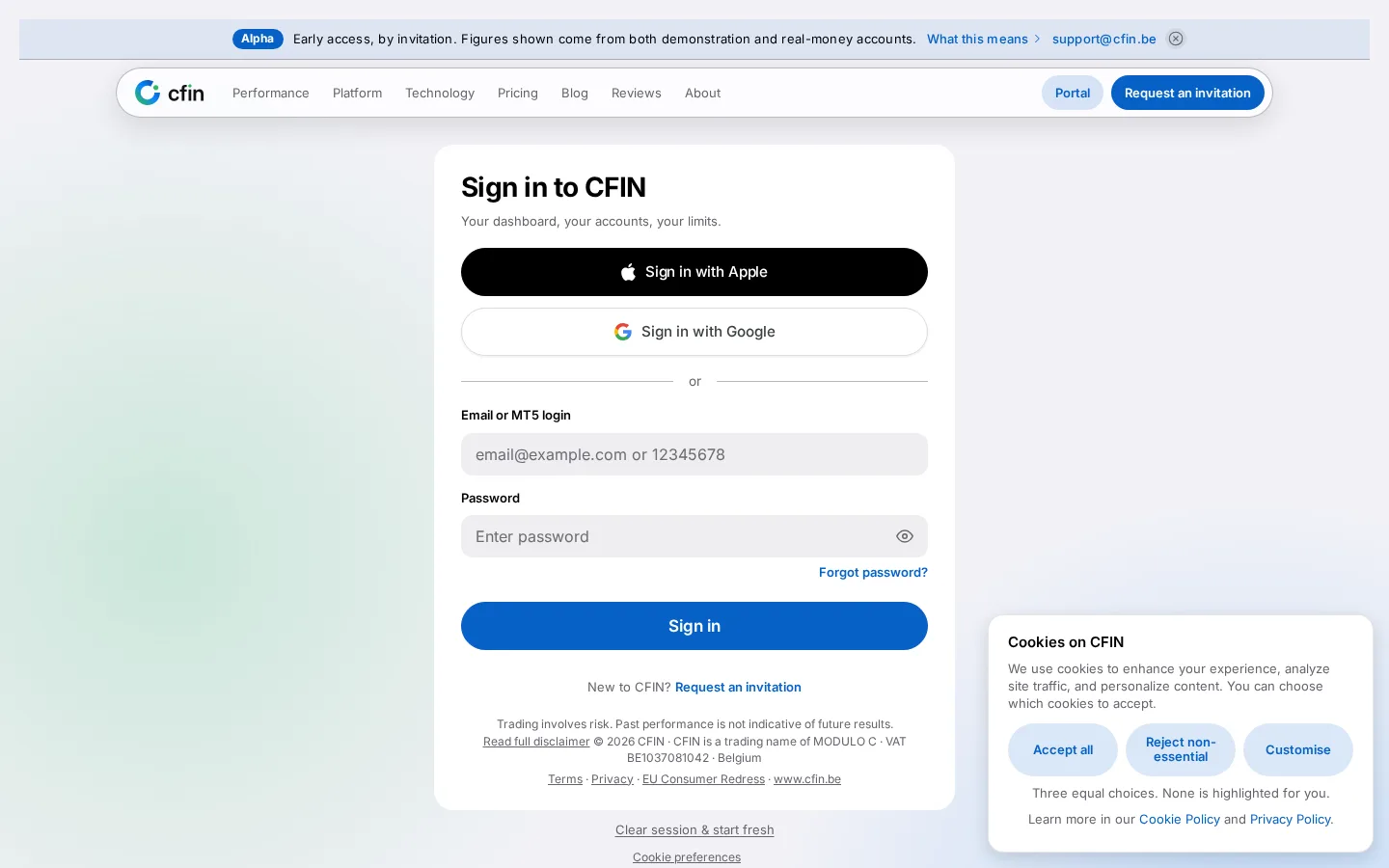
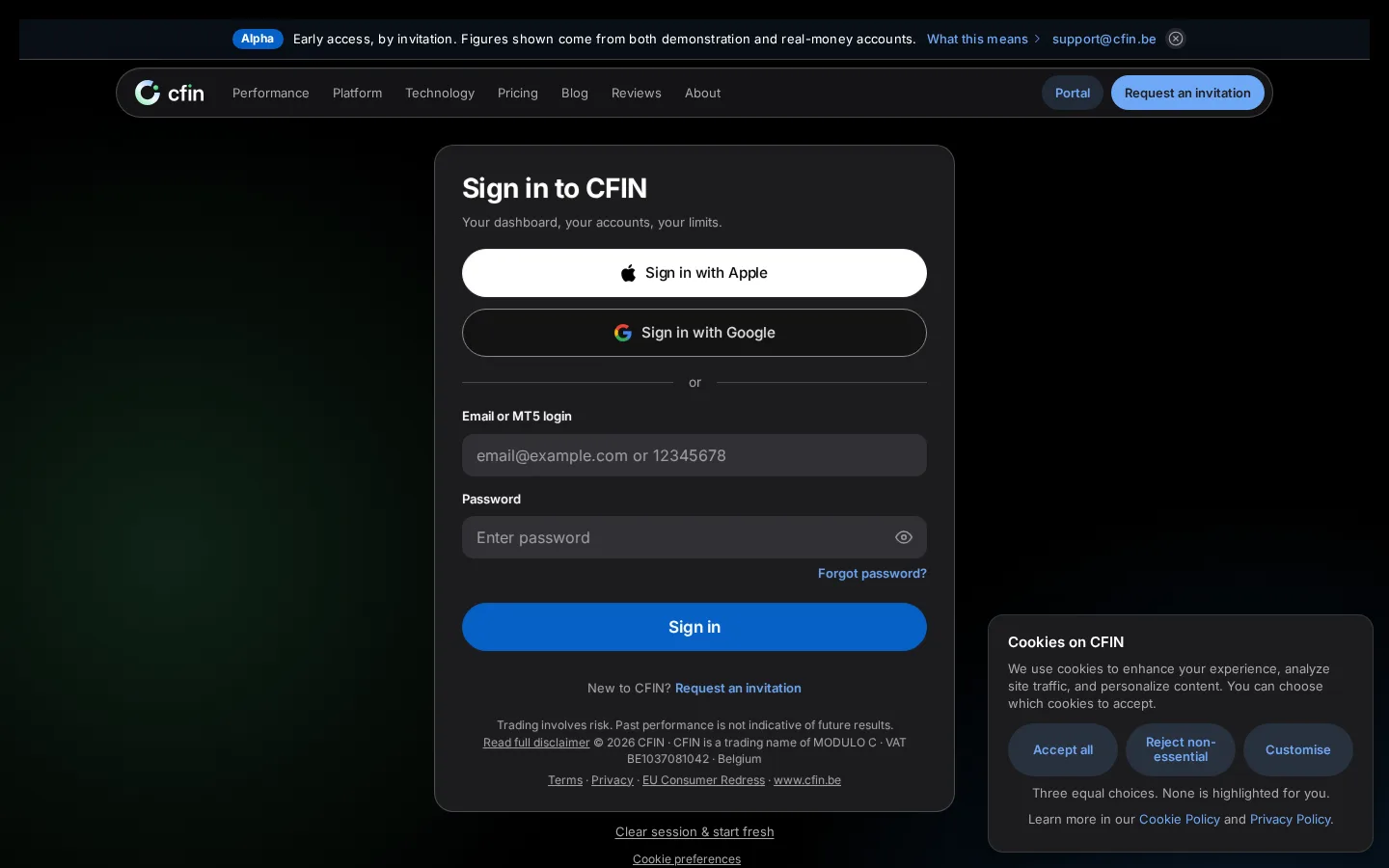
- Sign-in and two-factor screens have a new, darker look
- Two-factor login hardened with cooldowns and replay protection
- Lockouts now target the account or source being attacked, not your access
Signing in to CFIN, and verifying with two-factor authentication, now use a cleaner, darker design on the sign-in page. Behind the scenes, we also hardened two-factor login with server-side cooldowns and replay protection, and changed lockout rules so they target the specific account and source being attacked rather than you.




Why this mattered
Sign-in is the first and most repeated interaction most customers have with CFIN, so it deserves both a calm, confident look and continuous attention to the security behind it.
The lockout and sign-out improvements specifically close gaps that could otherwise be used to lock out a real customer or leave an old session active longer than expected.
What you need to do
Nothing specific — just sign in as usual. If a page ever asks you to sign in again, it will now explain clearly why, and return you to the right place afterwards.
In detail
- Two-factor verification now includes server-side cooldowns and replay protection against repeated or reused codes.
- Lockout protection is tied to the specific account and source being targeted, so a stranger guessing at your password can't lock out your real access.
- An end-to-end check now confirms that signing out revokes your session on every customer-facing surface, not just the one you signed out from.
- A page that requires you to sign in again now explains why, and returns you to the right place afterwards.
Built alongside each other
This security hardening was developed alongside the visual refresh rather than separately, since sign-in is exactly the kind of page where appearance and security matter equally.